How to Use Digital Storytelling in Virtual Classrooms
13 December 2025
Let’s face it—virtual classrooms can sometimes feel like you’re teaching into the void. Students turn off their cameras, engagement drops, and your once-vibrant classroom vibe becomes flat. But what if there was a way to bring back that magic? That spark of curiosity? Enter: digital storytelling.
Digital storytelling is like giving the age-old art of storytelling a 21st-century glow-up. It’s engaging, immersive, and—best of all—it humanizes online learning. In this guide, we’re diving deep into how you can use digital storytelling in virtual classrooms to create a more interactive and emotionally connected learning experience. So, let’s get rolling!
What is Digital Storytelling?
Imagine combining visuals, sound, video, text, and narration all into one seamless story. That’s digital storytelling in a nutshell.It’s not just about telling a tale with fancy tech. It’s about crafting meaningful stories that resonate with learners. Think of it as the perfect blend of creativity and learning objectives. Whether it’s a student project, a lesson plan, or an entire module, digital storytelling empowers students and teachers to share experiences, ideas, and knowledge in a dynamic, multimedia-rich format.
In short? It’s storytelling—but supercharged.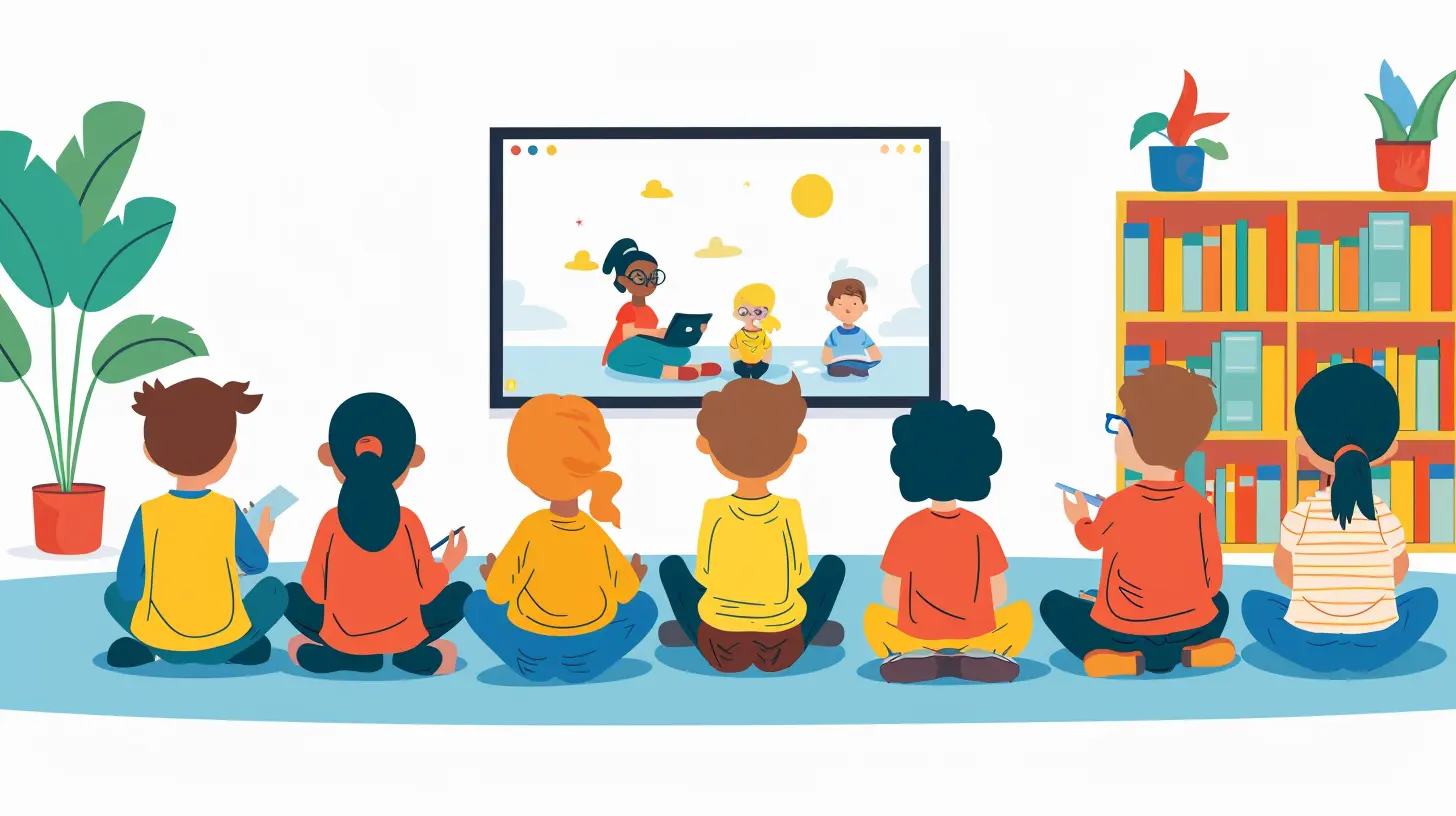
Why Digital Storytelling Works in Virtual Classrooms
You might be thinking, “Okay, cool concept. But why bother?” Good question. Here’s why digital storytelling shines in an online learning environment:1. Emotional Engagement
Stories hack our brains. They build empathy, activate our senses, and help us remember information better. When you deliver content through a story, learners connect with it on a personal level. Emotional engagement equals better retention.2. Active Learning
Digital storytelling flips the script. Instead of passively absorbing facts, students become creators. They’re involved, and that means they’re learning more effectively.3. Real-World Skills
By creating digital stories, students practice critical thinking, collaboration, communication, and media literacy. These are not just school skills; they’re life skills.4. Versatility
The beauty of digital storytelling? It fits into any subject. From science to history to language arts—if you can teach it, you can tell it as a story.
The Core Elements of a Good Digital Story
Before we talk tools and strategies, let’s cover what makes a digital story truly impactful. A good digital story usually contains:- A clear narrative or message – Every story needs a purpose.
- A personal voice – Whether it’s the teacher’s or the student’s, the voice must feel authentic.
- Compelling visuals – Images, videos, and graphics enrich the story.
- Sound effects or music – When used well, audio elevates the emotion.
- A beginning, middle, and end – Don’t skip storytelling structure!
Think of it like baking a cake—you need the right ingredients in the right order, or it just won’t rise.
Tools to Use for Digital Storytelling
Let’s get into the fun stuff. These tools make it easy to bring digital stories to life—even if you (and your students) aren’t tech wizards.1. PowerPoint or Google Slides
Yes, the humble slide deck still packs a punch. Add images, transitions, voice-over narration, and boom—digital story.2. Adobe Spark (Now Adobe Creative Cloud Express)
Easy to use and super slick. Students can create short videos with photos, voice, and music in no time. No editing degree required.3. Canva
Not just for Instagram posts! Canva’s video editor and presentation tools make storytelling both beautiful and straightforward.4. WeVideo or Animoto
Drag-and-drop video editors that are user-friendly and perfect for student projects.5. Book Creator
Especially great for younger students. They can make interactive storybooks online with drawings, audio clips, and more.6. Flip (previously Flipgrid)
Want to hear students tell their stories? Flip lets them record short videos and respond to each other—perfect for fostering online classroom community.How to Incorporate Digital Storytelling into Your Virtual Class
Alright, let’s bring it all together. Here’s how you can start integrating digital storytelling into your virtual teaching routine.1. Start Small
Don’t jump straight into a massive project. Kick things off with a simple prompt like:> “Tell me about a moment you felt proud of your learning.”
Have students use just one tool—maybe Flip or Canva. Keep it low pressure and fun.
2. Use Storytelling for Instruction
You don’t have to wait for students to tell stories—you can too! Instead of launching into a dry lecture, wrap your lesson in a narrative structure. For example:- Teaching ecosystems? Become a jungle explorer.
- Explaining fractions? Tell the story of a pizza night gone wrong.
It makes concepts stick, trust me.
3. Create Digital Portfolios
Have students document their learning journey through story. Each month, they can add a reflection, a project, or a short video. By the end of the term, they’ve built a story of growth.4. Group Story Projects
Collaboration is possible even online. Break students into groups, assign roles (writer, editor, voice actor, designer), and let them build a story together. It promotes teamwork and allows different strengths to shine.5. Cross-Curricular Storytelling
Integrate digital storytelling into multiple subject areas. A science report becomes a documentary. A history presentation turns into a first-person narrative. The options? Endless.Tips for Making Digital Storytelling Successful
There’s a bit of an art to this. Here are a few tips to smooth the path:Tip 1: Keep It Student-Centered
Let students take the lead. Help them find their voice, but don’t micromanage. The more ownership they feel, the more meaningful the story becomes.Tip 2: Provide Clear Structure and Support
Even creative projects need a framework. Give students a rubric, checklist, and timeline. Offer mini-lessons on storytelling, scriptwriting, or using tools. Scaffold the process.Tip 3: Embrace Imperfection
Not every story will be polished—and that’s okay! Focus on communication, creativity, and effort rather than perfect editing or design.Tip 4: Reflect and Share
Build in time for students to reflect on their storytelling process. What did they learn? What would they do differently? And don’t forget to showcase their work! Nothing motivates students like an audience.Challenges and How to Overcome Them
Sure, digital storytelling sounds amazing, but let’s keep it real—it comes with its challenges.Tech Access Issues
Not all students have equal access to devices or internet. Use low-bandwidth tools and offer asynchronous options. Let students create offline first and upload when they can.Pacing and Time Management
Digital storytelling isn’t a one-and-done. It takes time. Break the project into phases (planning, scripting, designing, revising), and sprinkle them across multiple weeks.Learning Curve
There’s a learning curve with new tech. Keep the toolset simple. Offer tutorials, walkthroughs, and let students help each other out.Real-Life Examples That Inspire
Sometimes, inspiration is just what you need. Here are a few real-world classroom uses of digital storytelling:- A high school English teacher had students rewrite classic fairy tales from the villain’s perspective using Canva and Adobe Spark.
- A middle school science class created animated explainer videos about renewable energy with WeVideo.
- A 5th-grade social studies class wrote first-person diaries from historical figures using Book Creator—and turned them into a time capsule.
These stories didn’t just meet standards—they sparked engagement, creativity, and connection.
The Bottom Line
Digital storytelling isn’t just a fun add-on—it’s a game changer. It flips passive learning into active creation. It turbo-charges engagement in virtual classrooms. And best of all? It makes learning human again.When students tell their stories—or learn through yours—they’re not just absorbing content. They’re living it.
So the next time your Zoom room feels a little quiet, ask yourself: “What’s the story here?” And then—craft it, tell it, and share it.
all images in this post were generated using AI tools
Category:
Virtual ClassroomsAuthor:

Zoe McKay
Discussion
rate this article
2 comments
Solenne Blevins
Great insights! Digital storytelling can truly enhance virtual learning experiences. Embracing creativity in the classroom fosters engagement and connection—both vital for student success. Keep inspiring!
January 23, 2026 at 4:41 AM
Zoe McKay
Thank you! I’m glad you found the insights valuable. Embracing creativity in digital storytelling can indeed transform virtual learning!
Norah McAlister
This article beautifully captures the power of digital storytelling in engaging students within virtual classrooms. Your insights are invaluable for educators seeking to foster creativity and connection in remote learning environments. Thank you for sharing!
December 14, 2025 at 5:52 AM
Zoe McKay
Thank you for your kind words! I'm glad you found the article insightful and that it resonates with your work in virtual classrooms.